Where are your friends today?
Each friend shares a city, never an exact location. When someone lands in yours, they rise to the top.
You’re in
Tap a friend to see their next stop.
Friends
You’re in New York, NY
Around the world
22 days together.
Across Us keeps the days you and your friends shared a city: so far, 4 friends in 6 cities. Same-city moments, friend by friend.
Where are you headed next?
Add a city and dates to your travel plans, and choose which friends can see them. When a friend’s plan puts you in the same city on the same days, Together soon shows when you overlap.
Your plan
Oct 24 – 27
Friends’ travel plans

Pick a city for your plan, then drag your dates.
Going together? Make it a Trip. One destination, the friends who are coming, and everyone’s flights, each added by its traveler. Tap anyone for their boarding pass.
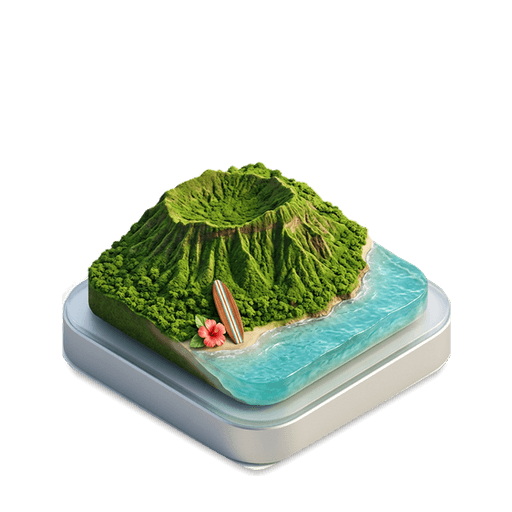
37 days
Landing · Thu, Nov 26Kauai time
6 amnoon6 pmmidnight
City-level only. Your call.
Sharing is set one friend at a time. Try it: change what Lin can see, then send Lin to New York.
Between you two
 Across UsLin Zhao is in New York too.now
What Lin sees
 YouNew York, NYUpdated just now
City, not coordinates
Precise coordinates never reach our servers, and there’s no GPS trail.
Both sides agree
Friendships are mutual. Pause sharing for everyone or one friend.
No ads, no tracking
No advertising, no cross-app tracking, no selling of personal data.
Yours to delete
Remove a friend, block someone, or delete your account in the app.
On your Home Screen.
Widgets keep a few familiar faces close, and tell you when you’re together.
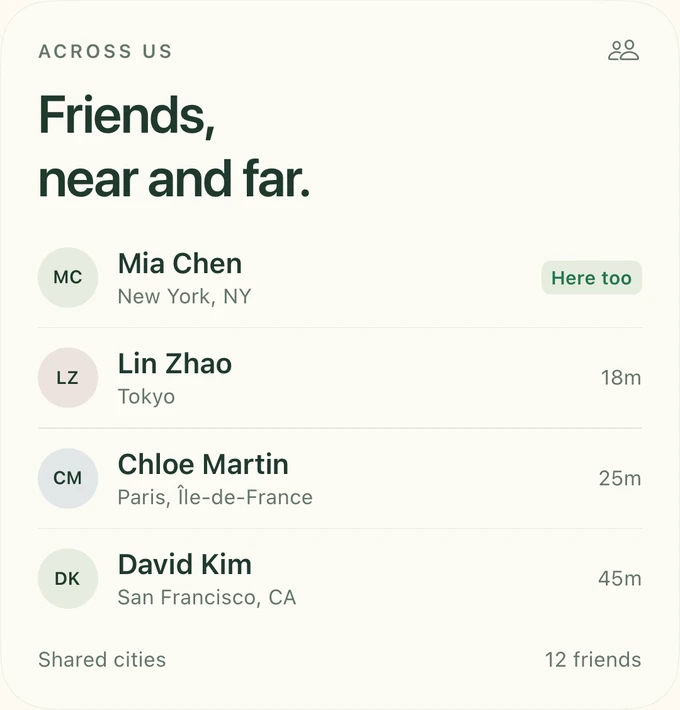
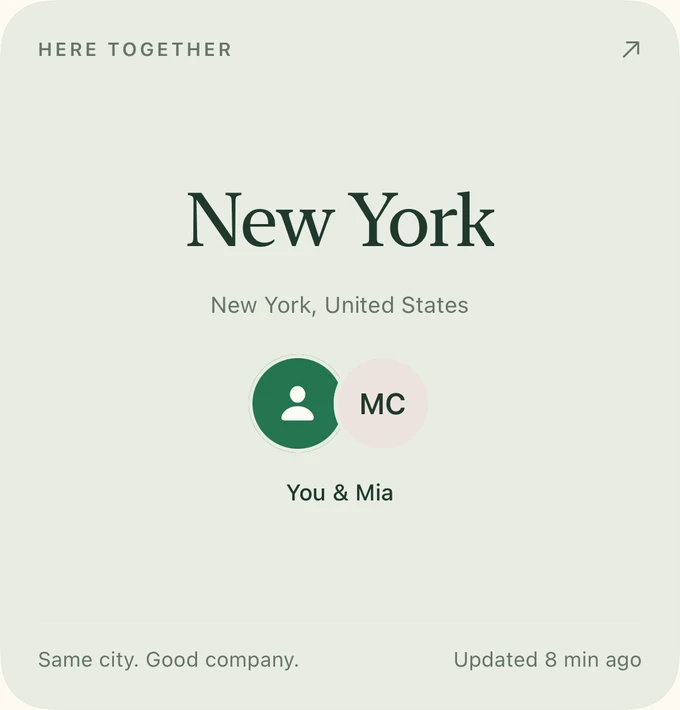
Free, and personal.
I built Across Us for me and my friends: scattered across cities, always trying to line up the next visit.
It’s entirely free. No subscription, no ads, nothing to unlock. Just a quieter way to keep up with each other, and to meet again.
For me and my friends.
For you and yours.
Yang, who made Across Us
Before you head out.
Is Across Us free?
Yes, entirely. Every feature is free: no subscription, no in-app purchases and no ads. It’s made for friends, for me and mine, and for you and yours.
What’s a plan, and what’s a Trip?
A plan is your future city and travel dates, shared with selected friends. A Trip is a shared journey with a destination, members and everyone’s flights.
What do friends see?
Your shared city and its last update, plus the plans you choose to share with them. You can change who sees your updates, pause city sharing, or remove a friend.
Can I change plans or turn off reminders?
Yes. Edit or delete personal plans, manage your own flights, and choose which trip reminders and alerts you want. Leaving a Trip also stops its alerts for you.
How current are the updates?
Cities show the latest shared update. Notifications depend on your settings and device permissions. Flight information refreshes periodically; check final travel details with your airline.
How do I get started?
Download Across Us for iPhone, sign in with Apple, Google or a code sent to your email, and add a friend by username or invitation link. Share a city or your next plan, then invite the people you want to see along the way.
See you
there.
Your friends are out there. Make room for the next hello.
Download on the App Store